
Protect yourself and your data online. Securely access apps, websites, entertainment, and more.
Get StartedStar VPN creates a secure tunnel between your device and a server. When you connect to Star VPN, all of the information you send and receive goes through that tunnel — keeping your activity private and safe.
Get Star VPN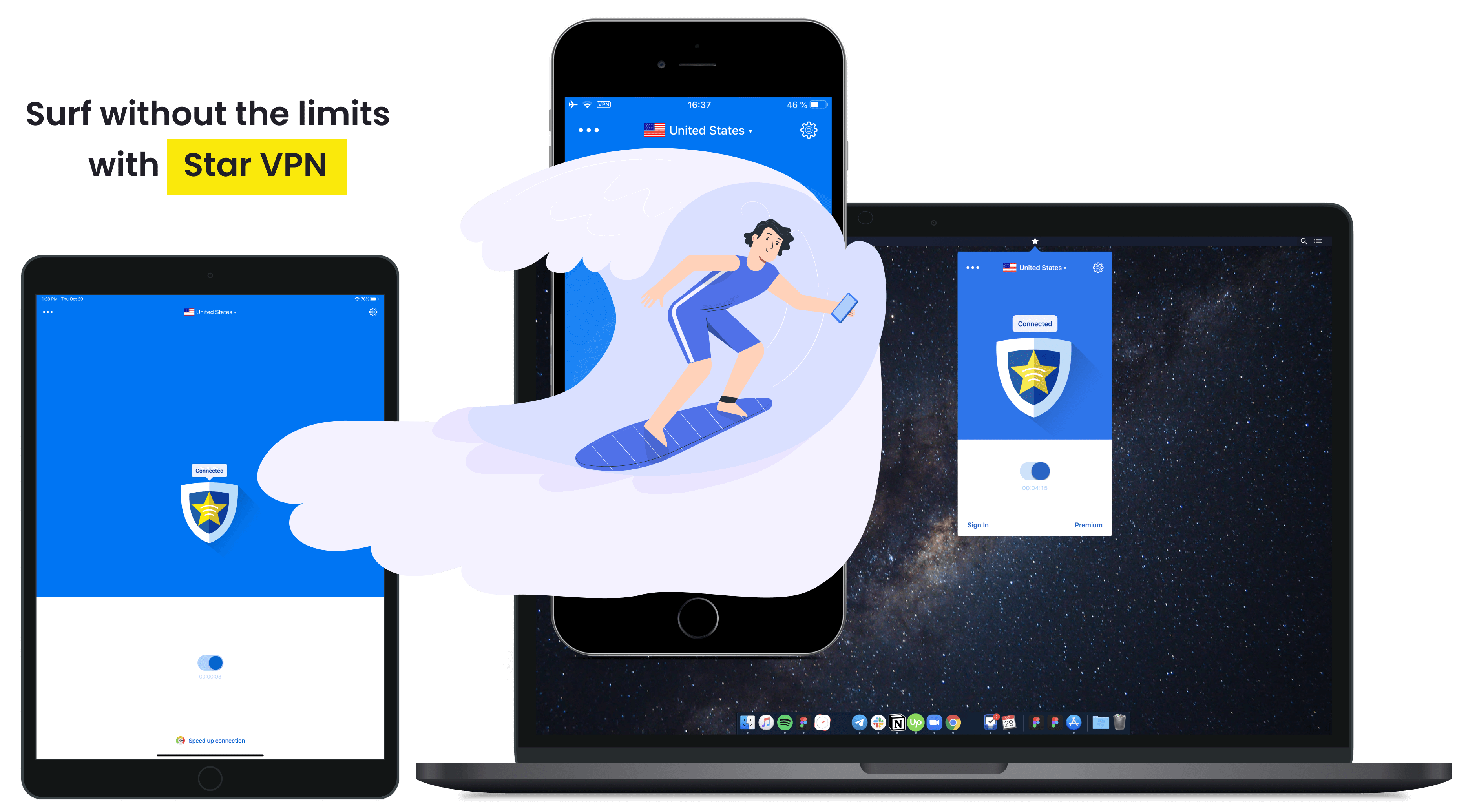
Star VPN streaming servers let you view the content you want from anywhere in the world.

Star VPN delivers a far more consistent VPN connection, even to long-distance servers.
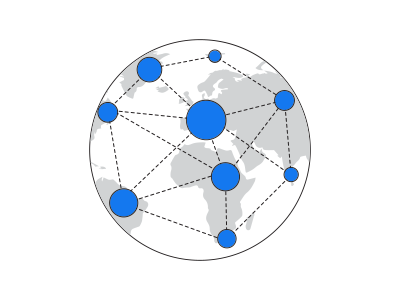
More than 800 VPN servers let you connect through host sites in 50+ countries, including 20+ specific cities worldwide.
All your internet data stays safe behind a wall of next-generation encryption.

Access the entire internet without borders, on a network that's always being expanded.

One Star VPN account on 6 devices at the same time — phone, laptop, tablet, family devices.
We've collected the most popular questions from users. You may find your answer here too.
Virtual Private Networking (VPN) is a suite of technologies that:
Note that using a VPN service does not replace the need for an Internet Service Provider, as it is your ISP that provides your internet connection in the first place.
It's simple! Just download our application for your platform.
On iOS you need to allow adding VPN configurations to start the connection. On macOS you also need to allow adding VPN configurations.
First, sign in on the device with Premium using your email address. Then sign in on your other devices with the same email address — Premium will be automatically restored on those devices.
If you reinstalled the Star VPN app or want to use your Premium on other devices within the same platform, you can Restore Purchases. Select Restore Purchases on the purchases screen and follow the instructions.
No. Star VPN guarantees a strict no-logs policy. Your internet activity while using Star VPN is not monitored, recorded, logged, stored, or passed to any third party. We do not store traffic logs, IP addresses, or browsing data — only limited anonymous usage data.